Giving AI an Android phone
An agent’s next action is also somebody’s screen.

 AsterGive AI
a phone.
Giving an AI agent access to an Android phone turns a conversation into a systems problem. The agent needs a way to observe the interface, request an action, and find out what changed. The person holding the phone needs to understand and control that access.
Aster is the Android companion I built around that boundary. It is separate from OpenAlly, the cross-platform AI product I’m building at Matterward Labs.
In short
- Treat an action as a request against a changing screen: observe, act, then observe again.
- Give the device layer a clear job, separate from the agent that decides what to attempt.
- Put permission in the experience, so the person can see control is active and stop it.
A request is not an outcome
An instruction such as “open that app” sounds complete in conversation. On a device, it is a request made against a particular state. The app may already be open. A dialog may be covering it. The screen may have changed since the agent last looked.
I think of that interaction as a short loop: observe the available state, choose an action, then observe again. Treating an attempted action as proof of success would hide from both the agent and the person whether the action worked.
This is a design principle I take from working across interfaces and systems. It does not require a model to be infallible. It requires the surrounding software to keep the difference between intention and evidence visible.
Give the device layer a clear job
Aster exposes Android capabilities to agents. I built it as an open-source project for the OpenClaw era, with connection options that do not require a second computer. The Android app can host its own Model Context Protocol server for clients that connect directly to the phone.
Aster can also work through a server on a computer, and OpenAlly connects from the same phone without using the network. The Aster repository documents all three connection modes and their different tool catalogs; the project is MIT-licensed.
A stable boundary is useful even when the interface on either side changes. The agent decides what it wants to attempt. The device layer decides which capabilities it exposes, under what permissions, and what result it can report. Those responsibilities should remain understandable independently.
You decide what the agent can reach.
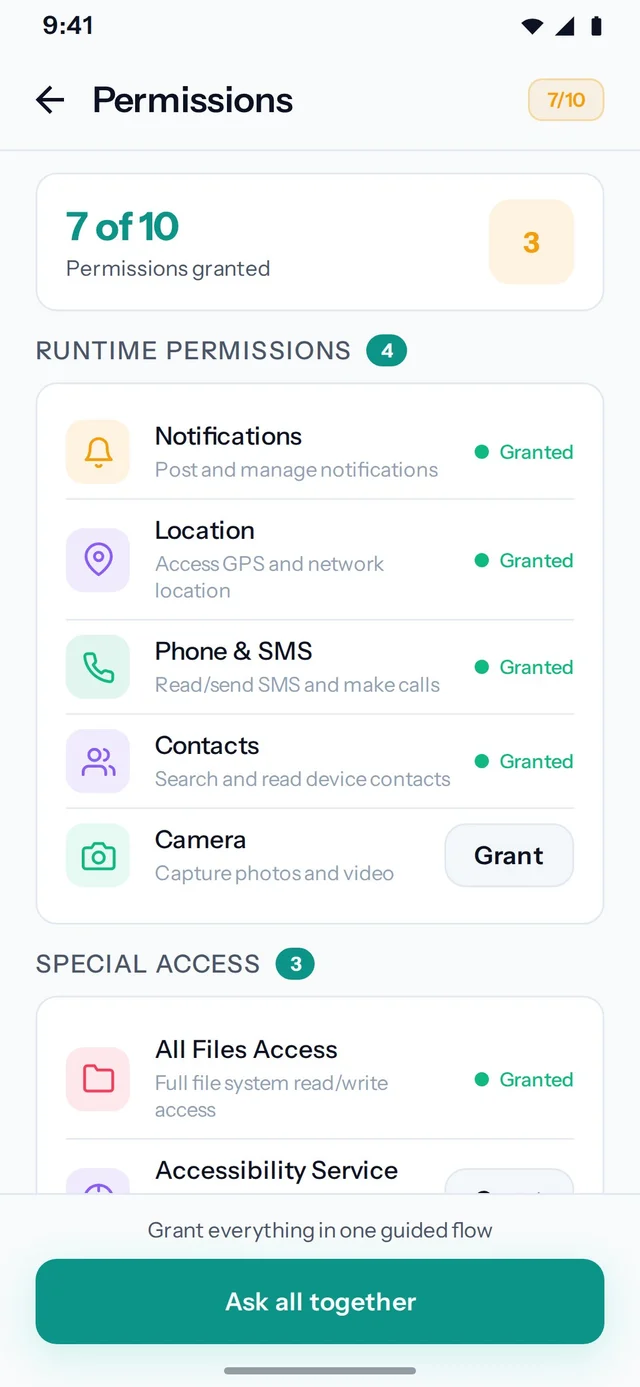
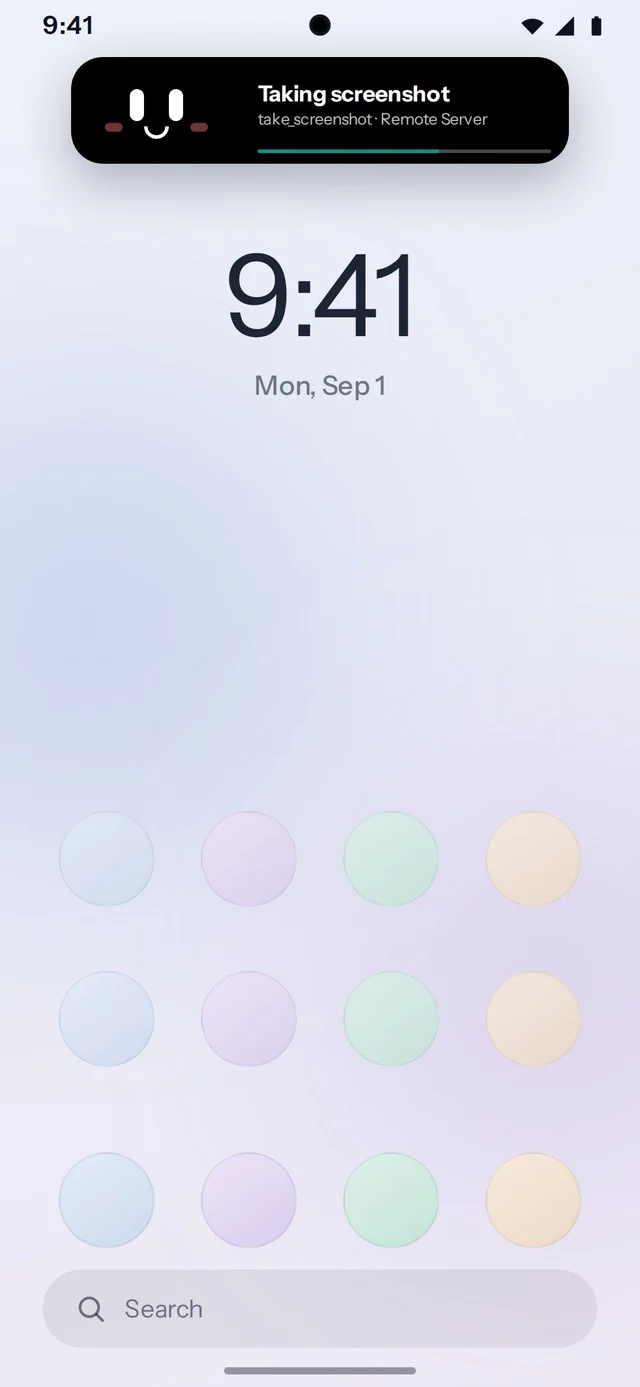
Accessibility and screen capture are explicit device permissions.
Observe. Request. Act.
A useful Android action crosses several boundaries. The agent asks for a capability; Aster checks the available device service; Android permissions determine what can happen.
Permission belongs in the experience
Android accessibility access is powerful because it can reach an interface rather than a narrow purpose-built API. A person needs an explicit way to approve access and stop it. Aster includes device approval and an on-device stop control.
The design question is broader than whether a connection is technically possible. Can the person tell that control is active? Can they intervene when the agent is wrong? What happens if the connection is lost? These questions are useful requirements for any agent that acts outside its chat window.
Keep platform claims precise
Aster’s screen-control role is Android-specific. OpenAlly has a broader cross-platform scope. Combining those two descriptions into “an AI Android app” would lose the architecture and confuse what is available on another device.
OpenAlly can share an agent runtime without promising identical device capabilities everywhere. I prefer to explain the shared job first, then identify which capability needs a particular platform.
The part I keep returning to
The interesting work is the connection between a useful intention and a dependable action. A model can suggest the next step; the product still has to manage state, permissions, and feedback.
 Talk to me on LinkedIn