Forza × MOZA Bridge
A racing setup. A missing connection. One more experiment.
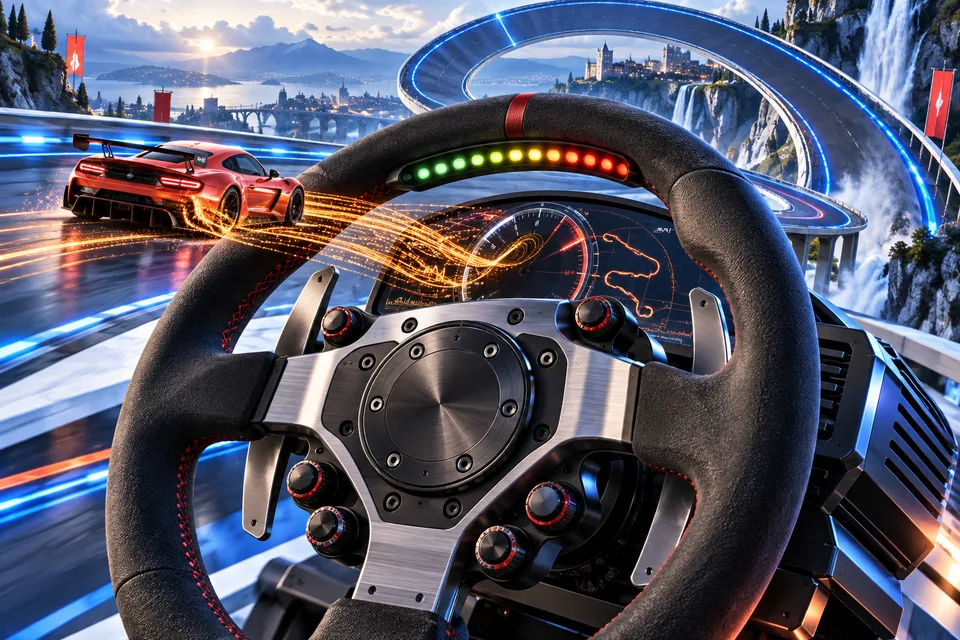
 Forza Horizon 6 → the wheel
The game was talking.
The wheel wasn’t listening.
The bridge passes Forza Horizon 6’s 324-byte CarDash packets to the port MOZA Pit House expects. The useful result is on the wheel: RPM lights and a working dashboard.
UDP 4009Python bridge
324 bytes, passed throughPit House
UDP 30055
Interactive diagram, not a live connection to a wheel.
I wanted the RPM lights and dashboard on my MOZA setup to respond while playing Forza Horizon 6. The game could send telemetry, but that alone did not make Pit House listen. The Forza × MOZA Bridge grew out of following that missing connection.
The listener was the missing piece
At the time of the experiment, Pit House had a profile for Forza Horizon 5 and none for Horizon 6. It only started listening for telemetry when it believed Horizon 5 was running. Horizon 6, meanwhile, was already sending dashboard data in the form Pit House expected.
I first expected to translate between two formats. Checking what actually arrived showed that the data already matched, and that the gap was who was listening. That turned the project from a converter into a relay, which is much smaller and much easier to trust.
The repository includes a small helper that gets Pit House to open its listener, and the bridge passes the game’s output across to it. Data that looks right passes through unchanged. Neither the game nor Pit House is modified, and stopping the bridge leaves both as they were.
A bridge small enough to inspect
The bridge is deliberately small and easy to read. It reports, once a second, how much telemetry it has received, passed on and set aside. Those numbers make it possible to ask a specific question: did the game send anything, did the bridge receive it, and did it leave for Pit House?
The dial above shows how RPM information reaches the wheel; it is not connected to my racing setup.
Setting it up
The repository’s README walks through setup step by step. In outline: turn on Data Out in Forza Horizon 6 and choose the Car Dash format rather than Sled, select Forza Horizon 5 as the active game in Pit House, and start the bridge before you drive. The RPM lights and force feedback profile you tune in Pit House apply once Horizon 6 telemetry starts flowing.
A prebuilt Windows version is included, so there is nothing else to install. Running it from source is optional.
When the lights look wrong
The most common surprise is shift lights that only come on near the limiter. Forza reports the engine’s absolute maximum RPM, and most cars change gear well below it. Lowering the first LED threshold to around 40 to 50 percent in Pit House fixes the spread.
If nothing arrives at all, check that Data Out is switched on and that the game and the bridge agree on where the data should go; another telemetry tool may already be using the same port. If data arrives but Pit House stays quiet, the helper is probably not running. I wrote up the debugging story in Getting Forza Horizon 6 telemetry to a MOZA wheel.
Follow the packets
The MIT-licensed repository contains the bridge and its Windows setup instructions. I enjoy racing games, but this project came from a second interest: understanding why two pieces of equipment that should work together do not yet connect. When Pit House adds official support for the new game, the bridge should simply become unnecessary.
 Talk to me on LinkedIn