Narrow Front
What if a whole battle fit one narrow road?
The design question
Narrow Front started with a small question: what if a whole battle fit one narrow road? Strategy games usually want a wide screen and a mouse. A phone held in one hand gives you a tall, thin view and a thumb. I wanted to design for that shape instead of fighting it.
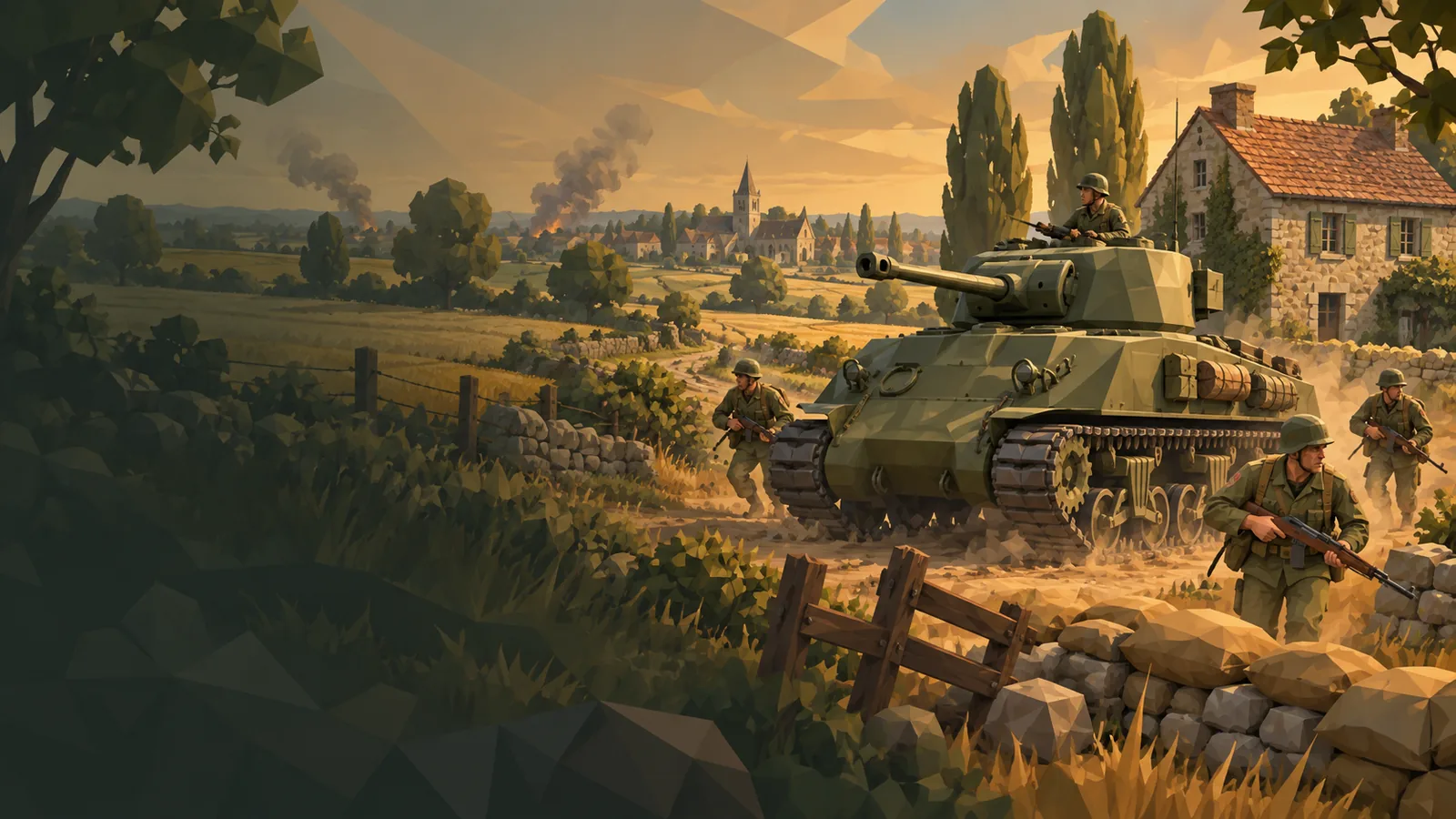
So each battle is one narrow front between two headquarters, played in portrait. You spend supply on cards: infantry squads, tanks and support tactics. Infantry take farmhouses, armour pushes up the road, and artillery, reconnaissance or a field repair can unstick an advance that has stalled. Holding houses moves the line forward. Reaching the enemy headquarters wins.
The game I shipped has a ten-mission campaign, from Colleville on 7 June 1944 to Remagen on 7 March 1945, with real places, fictional soldiers and voiced motion comics between battles. Skirmish adds eleven maps against the computer at five ranks. There are 45 units and tactics, including eight infantry squads, 24 tanks and four aircraft. Battles last three, five or eight minutes, and every one of them runs offline. Two people can also play head to head on two phones over the same Wi-Fi network or hotspot.
Architecture and tech stack
The game is made in Unity 6 with the Universal Render Pipeline. The art is stylised low-poly: selected licensed packs plus my own models and variants, built through Blender and a set of asset scripts.
The most important decision was to keep the rules out of Unity. The battle is decided by plain C# assemblies with no engine references:
- Core owns the fixed-tick simulation, twenty ticks a second. It accepts validated commands and produces snapshots and events.
- Navigation knows geometry and routes, never factions or damage. Core calls it; it never calls back.
- Maps compiles a battlefield from a JSON recipe into two things at once: where the scenery is drawn, and the obstacle geometry the simulation moves around.
Unity’s job is presentation. The camera, terrain, effects and HUD read snapshots and events and draw them. They never invent a hit, a capture or a death. Because Core has no Unity dependency, the same code runs in fast .NET tests, in headless verification tools and inside the game.
Content is data too. Units, powers and campaign rules are JSON, read into a validated catalog. There is no class per tank. A tank is a definition with an ID, stats and a presentation key that picks its model and effects separately from its numbers.
I wrote about the simulation in more depth in a battle that ticks twenty times a second.
Key technical challenges
One map, one truth
The first battlefields kept their scenery and their obstacle layout as two separate, hand-maintained descriptions, and keeping them in step was my job. The map compiler replaced that: a map is one recipe, and the compiler produces both the placements and the navigation from measured prefab footprints. It also refuses maps that break the game. Every capture house needs a reachable entrance inside its capture radius, infantry must be able to reach those houses, and vehicles must be able to reach the opposing headquarters. New map files show up in Skirmish automatically, and the same checks run over every authored map in the test suite.
The same battle twice
I wanted a battle to replay exactly from its commands. That turned out to depend on a single bit. The platform maths libraries round sine and cosine slightly differently, and Mono’s JIT in the Unity Editor kept some float intermediates at higher precision than the .NET reference. Either is enough for a battle to diverge. Core now uses its own trigonometry with explicit single-precision rounding at each step, and a test scans the simulation code for any use of the platform functions. I only claim what is tested: same-build restore and replay.
A phone that warmed up on the menu
The first builds showed a black screen for a few seconds after the splash, and the phone got warm on the main menu before a battle had even started. The cause was one choice: the game built the whole 3D battlefield, compiled every skirmish map and loaded the saves in a single frame at start-up, then drew the menu on top of all of it. Now a loader owns the first frame, start-up runs in stages, skirmish maps compile on a worker thread, and the battlefield is built only on the first deploy and switched off behind opaque menus. On my own phone, in a development build, the black gap went from 4.2 seconds to none, and idle menu CPU went from 105 % to about 65 %.
Outcomes
Narrow Front is free on Google Play and the App Store. Rewarded ads are optional and never appear during a battle; the store also sells crates, and their odds are shown before you buy. The games page has the trailer and the store links.
Lessons learned
Keeping the rules in a plain library paid for itself every week. Bugs reproduce from a snapshot and a command list, the computer opponent plays through the same command gate as a person, and local multiplayer was mostly a transport problem: one phone runs the same simulation as the authority and the other draws what it reports.
The other lesson was to make the data refuse bad input early. A map that compiles but traps a tank costs far more to find in play than in a validator. A lot of the fixes in this game ended up as checks that run before anything reaches a phone.
 Talk to me on LinkedIn